
CATEYE PADRONE SMART
CATEYE STRADA SMART
Smart computer
Clock setting

1. From the measurement screen, press MENU to switch to the menu screen.
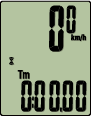
Measurement screen


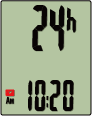
Menu screen (Clock setting)
* When the menu screen is left on for 1 minute, smart computer returns to the measurement screen.
2. Check that  (clock icon) is flashing, and press MODE for 2 seconds.

(2 seconds)
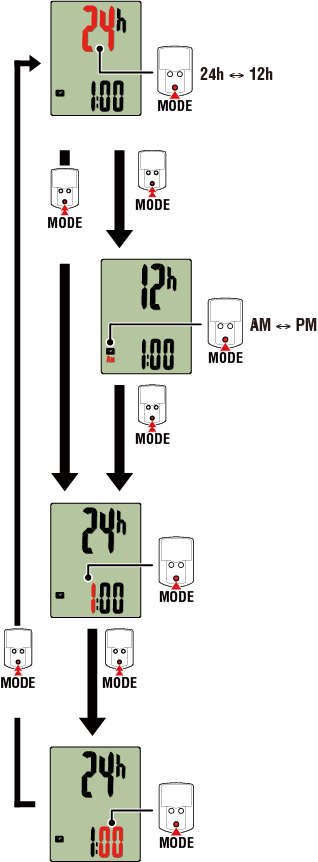
3. Set the time display mode and the time.
(2 seconds)
Time display mode
Hours
Minutes
AM/PM
(2 seconds)
Select 24 h
Select 12 h
(2 seconds)
Increase number
Increase number
(2 seconds)
(2 seconds)
4. Press MENU to confirm settings.
Pressing MENU again returns to the measurement screen.
* If you have changed settings, always press MENU to confirm changes.
Tire circumference setting
Pairing
Switch top of screen display
Function setting
Total distance manual input
Measurement unit setting